





In today’s fast-paced digital world, staying connected is more important than ever. Wireless display adapters are revolutionizing the way people share and stream content, allowing for seamless connections between devices without the hassle of tangled cords. Whether it’s for a business presentation or a cozy movie night, these adapters offer a convenient solution to transform any screen into a display hub.
With a variety of options available, choosing the right wireless display adapter can enhance productivity and entertainment experiences alike. They support multiple platforms and devices, making it easier than ever to project content from smartphones, tablets, or laptops to larger screens. As technology continues to evolve, understanding the benefits and features of these adapters becomes essential for anyone looking to simplify their viewing experience.
Overview of Wireless Display Adapters
Wireless display adapters are devices that enable the transmission of audio and video signals from one device to another without physical cables. These adapters connect to displays such as TVs, monitors, or projectors and allow content sharing from compatible smartphones, tablets, laptops, and gaming consoles. They simplify the connection process, removing the need for HDMI, VGA, or other cable connections.
Key benefits of wireless display adapters include:
- Flexibility: Users can stream content wirelessly, facilitating easy access to media files from various devices. Ideal for business environments, they support seamless presentations or collaborations.
- Compatibility: Most adapters support multiple platforms, including Windows, macOS, Android, and iOS, allowing versatility across device types.
- Enhanced Viewing Experience: By enabling larger screen displays, users can enjoy movies or gameplay on bigger surfaces, improving overall enjoyment.
Common types of wireless display adapters include:
- Miracast Adaptors: These adapters allow direct streaming from devices using Wi-Fi Direct, ensuring a lag-free experience.
- Chromecast Devices: Designed for streaming content directly from internet applications, users can mirror their device screens or stream videos effortlessly.
- Apple TV: This adapter seamlessly connects Apple devices to TVs, integrating with macOS and iOS to support AirPlay technology.
Wireless display adapters contribute significantly to modern digital interactions, providing users with a convenient method for sharing information and entertainment.
Key Features to Consider
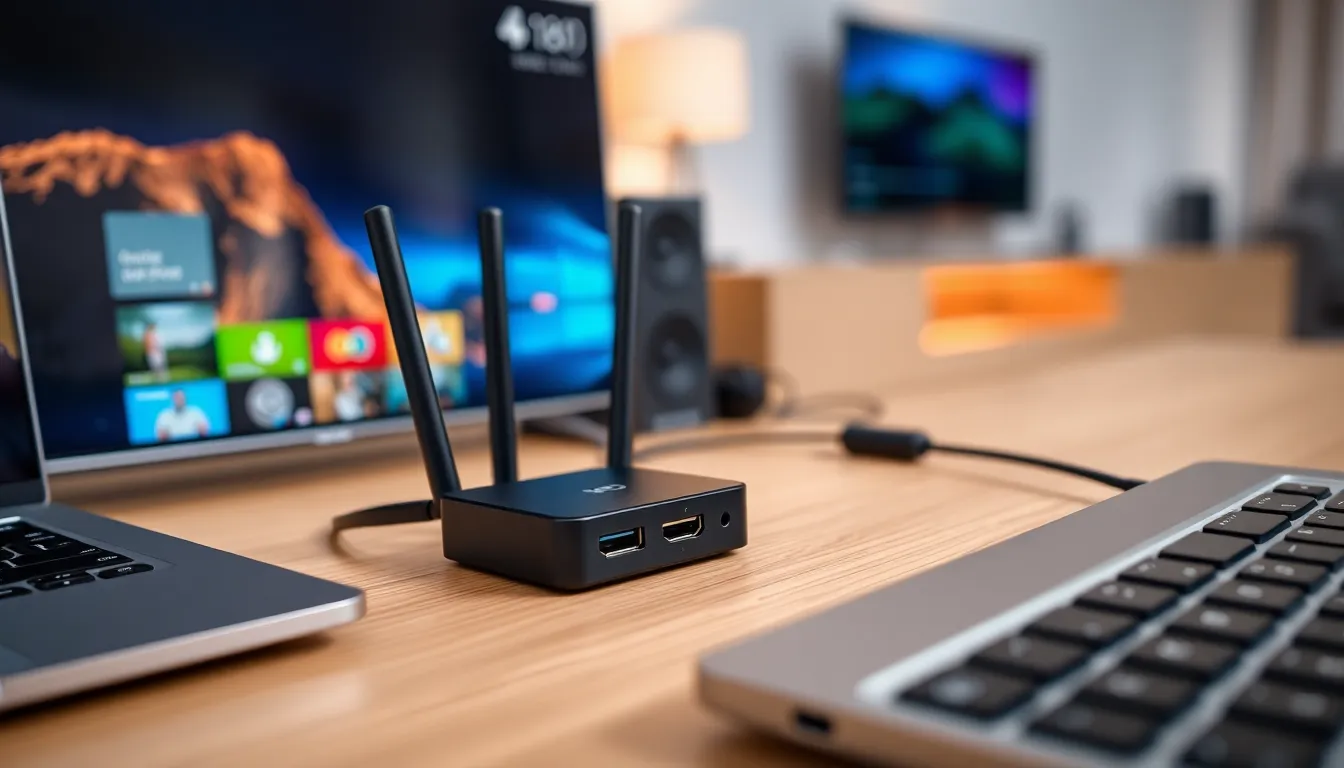
Understanding key features of wireless display adapters enhances user experience. Several factors, including connectivity options, device compatibility, and resolution performance, play a vital role in selecting the right adapter.
Connectivity Options
Connectivity options determine how a wireless display adapter connects to devices. Common options include:
- Wi-Fi Direct: Allows direct device-to-adapter connections without a network.
- Miracast: Supports screen mirroring for Android and Windows devices, ensuring low latency.
- AirPlay: Facilitates seamless streaming from Apple devices to Apple TV.
- Bluetooth: Offers basic connections for audio streaming, though with limited video capability.
Compatibility with Devices
Compatibility with various devices impacts the usability of wireless display adapters. Key factors include:
- Operating Systems: Check compatibility with Windows, macOS, Android, and iOS devices.
- Display Types: Ensure support for TVs, projectors, and monitors that accept HDMI or VGA inputs.
- Software Requirements: Some adapters may require specific apps or software installations for full functionality.
Resolution and Performance
- Supported Resolutions: Many adapters support Full HD (1080p) or 4K resolution for high-quality visuals.
- Frame Rates: Look for adapters offering 30fps or higher to ensure smooth playback.
- Latency Levels: Measure latency to prevent lag during streaming or gaming; lower latency provides a more responsive experience.
Popular Wireless Display Adapters
Several wireless display adapters on the market stand out due to their features and benefits, each catering to different user needs.
Adapter 1: Google Chromecast
Google Chromecast offers seamless content streaming from multiple devices. It connects to HDMI-enabled TVs, monitors, or projectors, providing easy access to popular applications like Netflix, YouTube, and Spotify. Enhanced screen mirroring capabilities enable users to project their mobile devices or computers easily. Chromecast supports 4K resolution and HDR for high-quality visuals. Compatibility with both Android and iOS platforms makes it versatile for various users.
Adapter 2: Amazon Fire TV Stick
Amazon Fire TV Stick provides an affordable option for streaming and mirroring content. It connects to any HDMI port and integrates with Amazon Prime Video, Hulu, and other streaming services. This adapter offers Alexa voice control for convenient hands-free operation. The Fire TV Stick supports Full HD up to 1080p and allows for screen mirroring from compatible Android devices. Users benefit from a user-friendly interface and access to a wide range of applications.
Adapter 3: Microsoft Wireless Display Adapter
Microsoft Wireless Display Adapter suits Windows and Android users for easy content sharing. It enables users to stream presentations, videos, and games directly from devices to larger displays. The adapter connects via HDMI and supports Miracast for a reliable wireless connection. It supports a resolution of up to 1080p, ensuring crisp visuals. Low latency helps maintain sync between audio and video, enhancing user experience during presentations or viewing. Compatible with various Windows and Android versions, it offers a straightforward setup process.
Advantages of Using Wireless Display Adapters
Wireless display adapters offer numerous advantages that enhance the user experience in various settings.
- Elimination of Cables: Wireless adapters remove the need for physical cables, reducing clutter and making setups cleaner and more appealing. This aspect is particularly beneficial in conference rooms or living spaces where aesthetics matter.
- Versatility Across Devices: These adapters work with a wide range of devices, including smartphones, tablets, laptops, and gaming consoles. Users can easily switch between devices, promoting seamless content sharing and interaction.
- Support for High Definitions: Many adapters support high-definition resolutions, including Full HD (1080p) and 4K. This capability ensures a rich viewing experience on larger displays, whether for professional presentations or movie streaming.
- Wireless Convenience: Users benefit from the convenience of carrying devices without being tethered to a display. This mobility allows for dynamic presentations and a more flexible home entertainment setup.
- Multiple User Connections: Certain wireless display adapters allow multiple users to connect simultaneously, making them ideal for collaborative environments. Teams can share screens easily, fostering a more productive and interactive experience.
- Enhanced Streaming Capabilities: Adapters like Chromecast or Fire TV Stick enable direct streaming from apps, providing easy access to various content without relying on additional hardware. Streaming becomes faster and more efficient.
- Low Latency: Many wireless display adapters prioritize low latency, ensuring minimal delay during streaming or screen sharing. This characteristic is essential for real-time applications like gaming or video conferencing.
- User-Friendly Setup: Most wireless display adapters feature simple plug-and-play functionality, streamlining the setup process. Users can connect devices quickly without extensive technical knowledge.
These advantages make wireless display adapters a valuable addition to both personal and professional environments, enhancing the overall user experience.
Limitations and Drawbacks
Wireless display adapters present several limitations and drawbacks that users should consider before making a purchase.
- Latency Issues: Many adapters experience latency, which can disrupt real-time interactive applications such as gaming or video conferencing. Users may notice delays in audio or visual synchronization, impacting overall performance.
- Connectivity Problems: Wireless connections can encounter interruptions or signal degradation, especially in environments crowded with other devices. Interference from networks or physical barriers may lead to unstable streaming quality or disconnections.
- Limited Compatibility: Some wireless display adapters work exclusively with specific operating systems or devices. Users must verify compatibility to ensure optimal functioning, which can limit flexibility when using diverse devices.
- Resolution Constraints: Not all adapters support 4K resolution or high refresh rates. Some users may experience reduced image quality, particularly when streaming content at higher resolutions.
- Setup Complexity: While many adapters boast user-friendly interfaces, some may require intricate setups or software installations. This complexity can hinder quick and easy connection processes.
- Power Dependency: Certain models require a constant power source for operation, which can limit placement options. Users might need to consider nearby power outlets, affecting setup flexibility.
- Cost Factor: High-quality wireless display adapters can be costly, and budget options may sacrifice performance or features. Evaluating long-term use versus initial investment remains essential for consumers.
- Potential Security Risks: Wireless transmission can pose security vulnerabilities. Users should remain vigilant about unwanted access or data interception, particularly when using public networks.
Understanding these limitations helps users make informed decisions when selecting a wireless display adapter suitable for their needs and ensures a more satisfying experience.
Wireless display adapters have transformed how users share and enjoy content across various devices. By eliminating the clutter of cables they provide a seamless experience for both personal and professional settings. Their versatility and compatibility with multiple platforms make them an essential tool for enhancing viewing experiences.
While there are considerations to keep in mind such as potential latency and connectivity issues, the benefits often outweigh the drawbacks. With a range of options available users can find an adapter that suits their specific needs. Embracing this technology not only simplifies setups but also elevates the enjoyment of digital content in today’s fast-paced world.